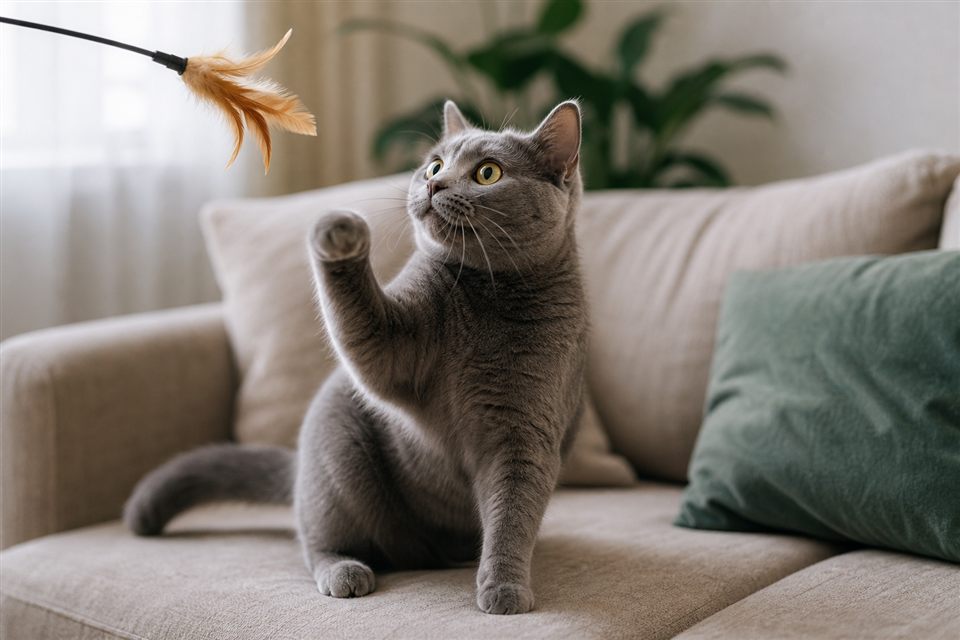
You're mid-email when your cat sprawls across the keyboard, triggering a string of gibberish and an accidental "reply all." Laptop lounging is one of the most common complaints from remote workers with cats—and one of the most misunderstood. Your cat is not sabotaging your job out of spite. Warm electronics, your concentrated attention nearby, elevated vantage points, and scent marking on objects you touch all draw cats to keyboards. Redirecting the habit works better than shoving them off, which many cats interpret as play or renewed attention. Understanding motivation helps you set up acceptable warm spots and keep both productivity and feline dignity intact.
Why Keyboards Are Cat Magnets
Laptops emit gentle heat long after booting—ideal for cats who run warmer than humans and love thermoregulating on cozy surfaces. When you focus on a screen, your cat may compete for interaction the same way kittens pounce on siblings during play. Sitting on the keyboard guarantees a response: laughter, petting, or at minimum eye contact. Some cats also deposit facial pheromones on items you handle frequently, claiming shared territory. Closed laptops are less attractive; open, warm, human-scented devices win every time.
Occasionally, clingy keyboard behavior increases with stress, new pets, or schedule changes. Rule out medical causes if your cat suddenly cannot leave your side, stops eating, or hides except on your laptop.
Key Points
- Heat, attention, and scent marking drive most keyboard sitting—not malice.
- Shoving cats off often reinforces the behavior through interaction.
- Provide a warm bed or heated pad beside your desk as an alternative.
- Close the laptop or use an external keyboard when stepping away.
- Scheduled play before work sessions reduces attention-seeking mid-meeting.
- Sudden clinginess with other symptoms warrants a veterinary check.
Redirecting Without Conflict
Place a cat bed, cardboard box, or fleece blanket on a desk corner or adjacent stool with a heating pad set to low if your vet approves. Reward your cat for settling there before meetings start. When they move toward the keyboard, calmly lure them to the bed with a treat toss—avoid grabbing. Use a decoy warm item: some owners leave an old keyboard-shaped mat near the real workspace. During video calls, mute before relocating your cat to prevent drama. If paws return, repeat the lure without scolding. Consistency over one week usually shifts habits. For persistent cases, a timed feeder puzzle across the room engages hunting instinct during your busiest hours.
Practical Tips
- Enable keyboard shortcuts to lock input during cat incidents.
- Offer window-perch time before long desk sessions.
- Keep cats out of home offices only if they have enriched spaces elsewhere—not isolation.
- Clean laptop vents regularly—fur buildup causes overheating.
- Use Feliway diffusers if stress coincided with new keyboard obsession.
When to Contact Your Veterinarian
Consult your vet if clingy behavior pairs with weight loss, vocalization changes, or litter box avoidance. Behavioral specialists help when redirection fails despite enriched alternatives—especially in multi-cat tension households.
This article is for general educational purposes only and does not replace professional veterinary advice. Contact your vet if your pet shows ongoing symptoms.